
PowerPoint still rules the boardroom—more than 650 million people open a .pptx every month, according to Earthweb (2025). Yet the way we build and share slides is changing fast. AI copilots can draft a training deck before you finish your coffee, and cloud-first apps make real-time co-editing feel as easy as chatting. For HR teams, compliance officers, and anyone in charge of employee communications, the core question is no longer “Do we need presentation software?” but “Which platform fits our workflow, security rules, and budget?”
We spent months benchmarking today’s leading options against seven business-critical criteria—security, integration, AI power, collaboration, design control, cost, and ease of use—then ranked the six stand-out tools for 2026.
In the pages ahead you’ll find:
- What matters most when your slides carry legal or HR weight
- A concise, narrative review of each ranked tool—benefits first, caveats up front
- A quick-scan comparison matrix so you can decide in minutes
- Practical FAQs that tackle budget, security, and brand consistency
Read on to pick the software that keeps your team on brand, on time, and in full compliance—without boring anyone to sleep.
- What to look for when choosing presentation software in 2026
- Plus AI: your AI co-pilot inside PowerPoint and Google Slides
- Microsoft PowerPoint: the enterprise standard that just got smarter
- Google Slides: real-time collaboration with a Gemini boost
- Canva: fast, polished slides for non-designers
- Visme: interactive slides with enterprise guardrails
- Prezi: zooming storytelling that captivates audiences
- Compare at a glance: which tool fits your team?
- Conclusion
Related Articles
-
 Update: Will the DOL’s new exempt employee rules be delayed…
-
New Overtime Law Changes and HR Guidance in April 2024
-
Mental Health in the Workplace: Legal Obligations and Best Practi…
-
Handling of Final Pay Checks and Unpaid Compensation Upon Death o…
-
What the Law Says About Personal Internet Usage at Work
-
How to Overcome Communication Challenges in Your Remote Teams
-
Workplace Harassment 101: Understanding Its Types, Signs, and Imp…
-
7 Critical Employment Law Updates You Need in 2024
-
Digital Accessibility for Remote Work: 10 Key Tips


What to look for when choosing presentation software in 2026
Before we rank the tools, let’s define what “best” means for a business deck.
Security comes first. HR teams handle pay data, legal groups share draft policies, and everyone expects that content to stay private. If a platform lacks published SOC 2 or ISO attestations, we move on.
Next is integration. Your slides should live where the rest of your workflow lives—Microsoft 365, Google Workspace, or an LMS—so files sync automatically, single sign-on works, and nothing breaks when IT rolls out an update.
The third pillar is AI. Generative assistants can spin up an onboarding deck from a policy document in seconds. That speed is a competitive edge for lean teams.
Collaboration matters too. Real-time co-editing, threaded comments, and version history keep reviewers aligned and end the “final v7_FINAL” email chain.
Strong design control prevents off-brand slides. Consistent fonts, locked disclaimers, and one-click brand kits keep every deck compliant.
Cost plays a role as well. We score value, not raw price, weighing features against subscription fees and licenses you already own.
Finally, ease of use rounds out the list. A secure, AI-powered platform is worthless if employees abandon it after one frustrating afternoon.
We weighted those seven criteria—security, integration, AI, collaboration, design control, cost, and ease—in that order. The tools that follow rose to the top because they excel where real business teams work, not just in classroom demos.
Plus AI: your AI co-pilot inside PowerPoint and Google Slides
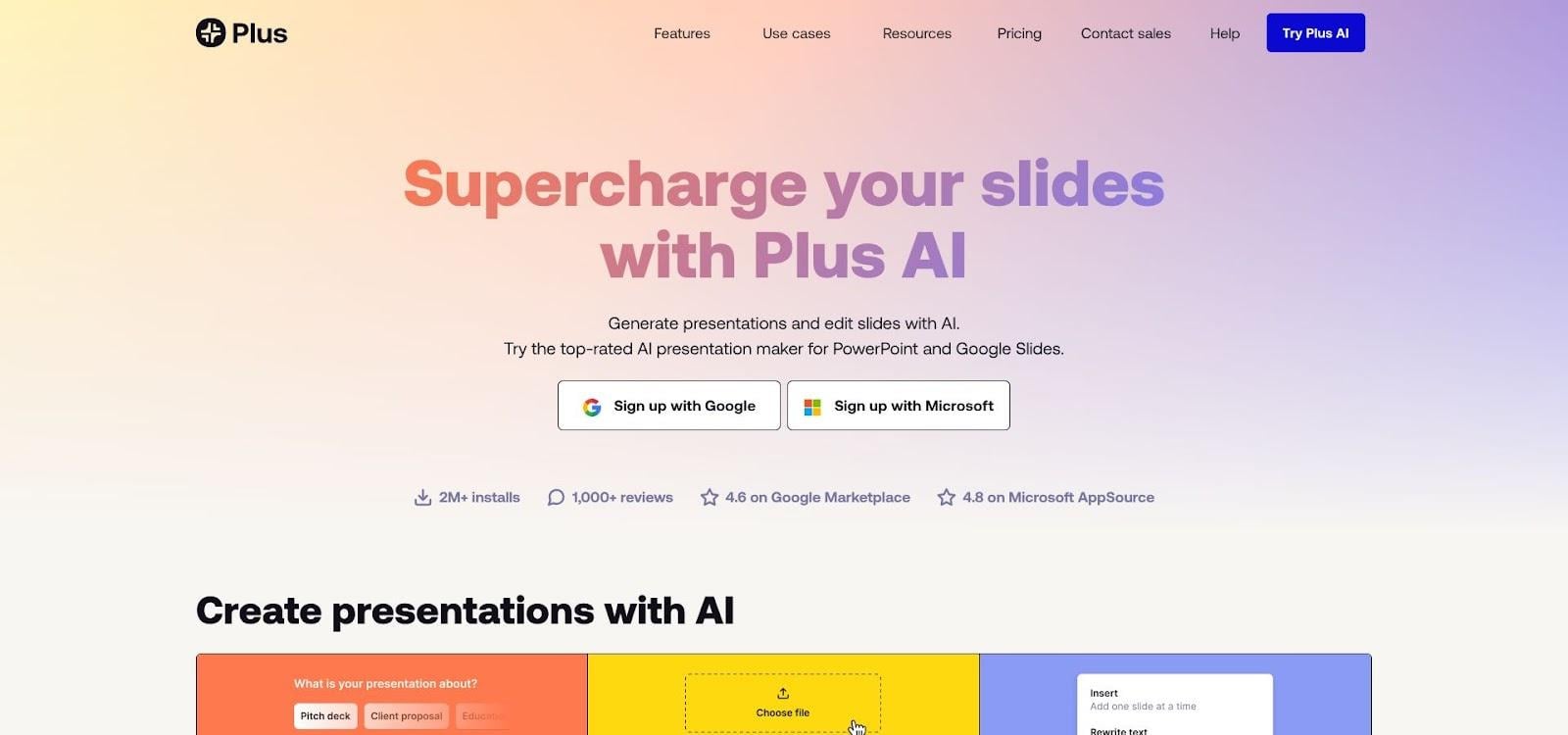
Plus AI add-on inside PowerPoint and Google Slides interface
Picture this: you open PowerPoint, type one sentence, and a full deck appears—formatted, on brand, and ready for review. Over two million teams already rely on https://www.plusai.com/ for that everyday workflow, which they simply call Plus AI.
Because Plus AI lives inside both PowerPoint and Google Slides, your team keeps the familiar ribbon, the same SharePoint or Drive folders, and existing co-editing tools. The add-on handles the heavy lifting: draft an outline, write slide copy, generate layouts, and remix old decks into fresh looks.
Security meets speed. Plus AI encrypts data at rest and in transit and holds SOC 2 Type II certification. Content stays in Microsoft or Google storage, so IT does not require a new exception.
Brand guardians will like that Plus AI respects the slide master. Import a company template once, and every generated deck inherits the correct fonts, colors, and locked legal disclaimers.
Collaboration stays seamless. Managers can edit the AI draft together, leave comments, or roll back versions just as they do today.
Pricing is clear: a seven-day free trial, then US $10 per user each month for unlimited AI generation across Microsoft 365 and Google Workspace.
If your organisation already licenses Office 365 or Google Workspace and wants a productivity boost without another standalone platform, Plus AI is the logical first step.
Microsoft PowerPoint: the enterprise standard that just got smarter
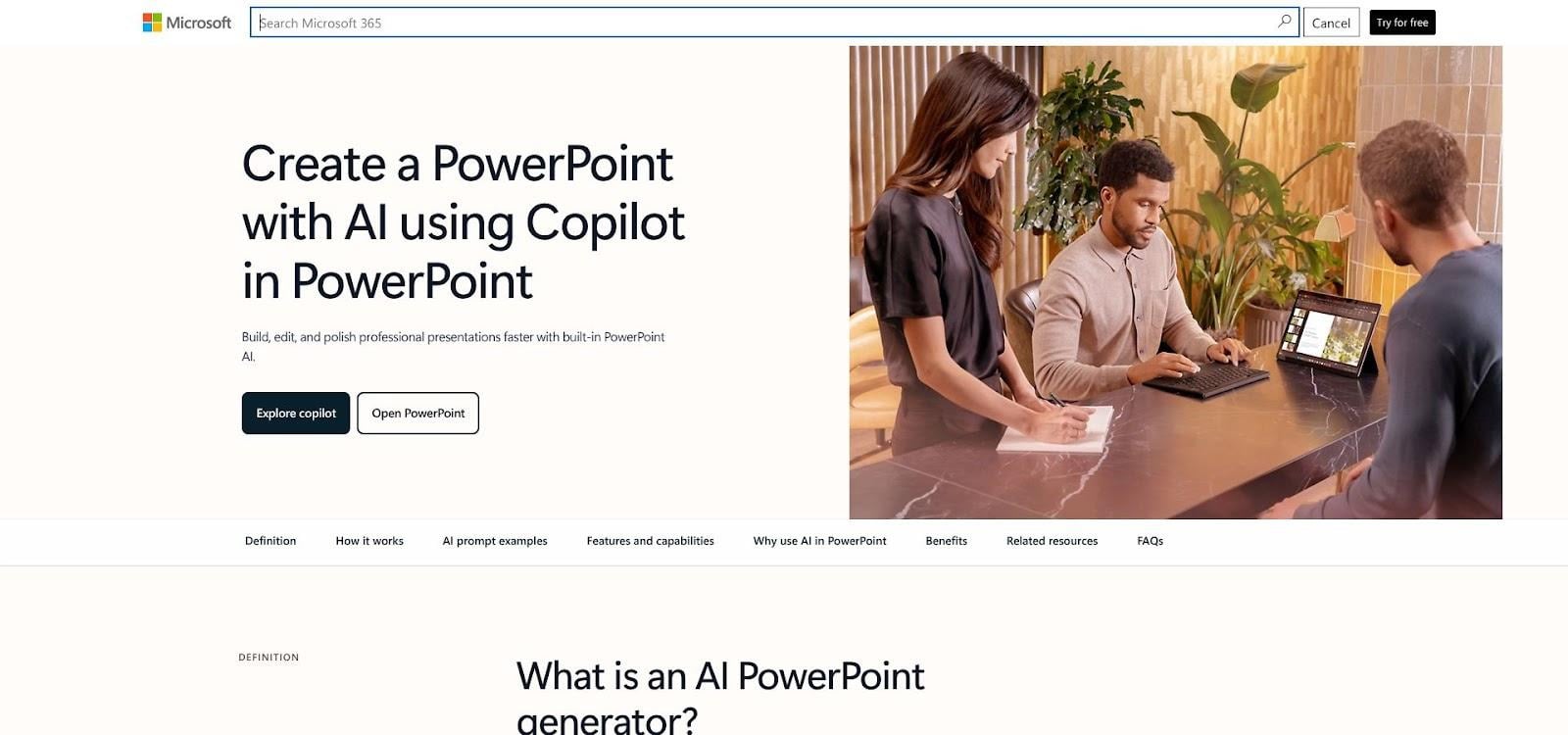
Microsoft PowerPoint with Copilot AI in the ribbon
PowerPoint is the suit-and-tie of presentation software. Every stakeholder can open a .pptx file, every projector reads it, and most employees know the basics. That ubiquity still matters: when legal signs off on a policy update, they expect the final deck in PowerPoint, not an unfamiliar link.
The platform is evolving quickly. Copilot, Microsoft’s new AI assistant, now sits in the ribbon. Feed it a one-page policy memo and it drafts a polished slide deck—titles, bullet hierarchy, suggested icons, and speaker notes—in minutes.
Depth is another edge. Build an org chart that updates from Excel, animate step-by-step OSHA procedures, or embed a 3D model for facilities training. Because files live in OneDrive or SharePoint, you keep version history, comments, and controlled sharing without emailing attachments.
Security remains robust. Microsoft 365 delivers encryption, data-loss-prevention policies, and granular permissions, so IT can lock a deck to view-only while auditors review sensitive numbers. Offline desktop apps add control for facilities where Wi-Fi is restricted.
Caveats exist. Real-time co-editing still lags a few seconds behind Google Slides. The interface feels crowded, so new hires often default to safe layouts unless they learn slide masters. Copilot also costs an extra US $30 per user each month on top of the Microsoft 365 licence.
Choose PowerPoint when your audience includes executives, regulators, or external partners who expect a .pptx file. Pair it with Copilot to blend decades of compatibility with modern AI speed—no migration and no retraining.
Google Slides: real-time collaboration with a Gemini boost
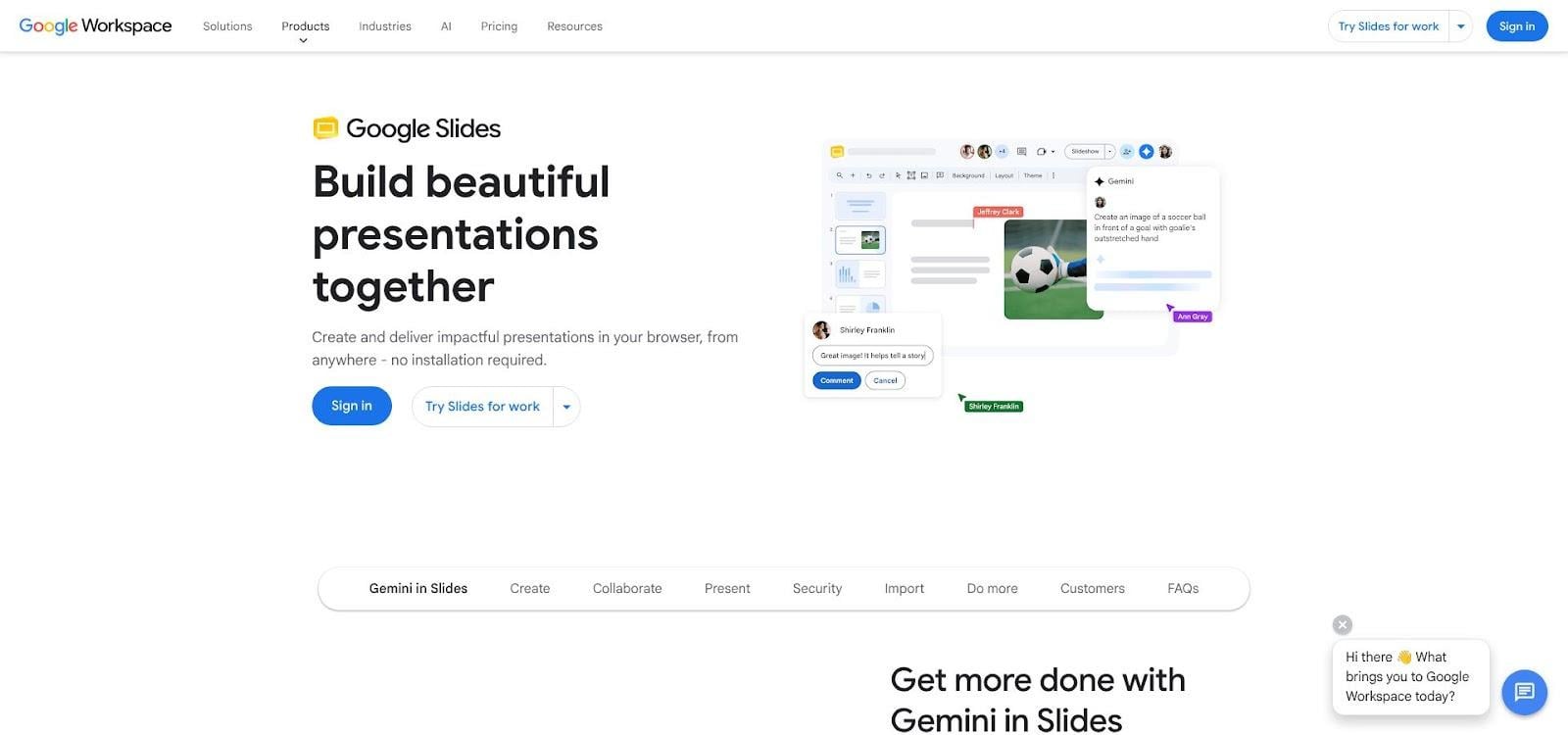
Google Slides real-time collaboration with Gemini suggestions
Google Slides feels like a shared whiteboard that everyone can touch at once. Multiple editors jump in, cursors move across the screen, and comments appear instantly. Version-control problems disappear because one living document sits in Drive.
Ease now meets automation. In March 2026 Google added the Gemini upgrade to Workspace. Type “Build a 10-slide safety-training deck from this policy doc” and Gemini drafts titles, bullets, and on-brand illustrations without leaving the browser. Select “Help me visualize” to turn plain text into images, making dry HR content engaging.
Security keeps pace. Slides inherits Google’s enterprise encryption, SOC 2 and ISO 27001 credentials, and optional client-side encryption for regulated teams. Admins can lock sharing to your domain, and Google Vault stores every revision for e-discovery.
Trade-offs remain. Design tools are simpler than PowerPoint’s, so complex motion paths or heavy data charts feel cramped. Offline work needs a Chrome extension and planning. Exports to .pptx often require a quick polish.
For distributed teams that brainstorm all day, few tools match Slides for fluid co-editing. Add Gemini, and you can move from blank page to draft training deck before the next stand-up, with no install and no extra cost on current Workspace plans.
Canva: fast, polished slides for non-designers
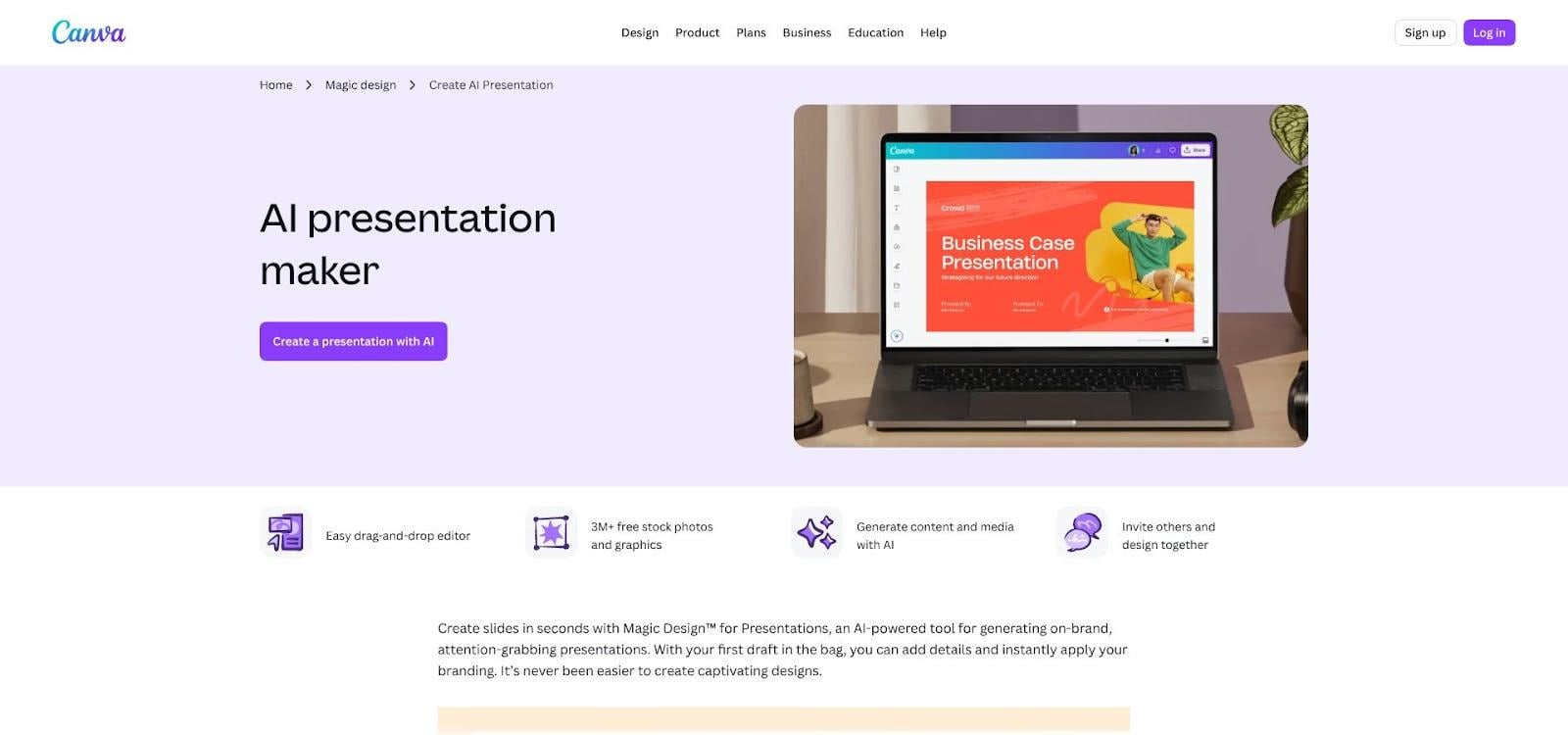
Canva presentation editor with branded business slide templates
Canva began as a social-post maker, yet more than 170 million people use it each month to create pitch decks, training modules, and internal reports. The appeal is instant polish: open a template, drag photos from the stock library, and the slide already looks agency-made.
Brand control runs deeper than many expect. Upload a logo, set corporate colours once, and Canva’s Brand Kit applies those choices to every design. Enterprise tiers let administrators lock elements so disclaimers or legal footers stay put, a quiet win for compliance teams wary of off-brand edits.
Collaboration feels familiar to anyone who uses Google Docs. Teammates jump in, leave comments, and see updates in real time. During presentations you can share directly from Canva, record a voice-over video, or export a .pptx for colleagues who rely on PowerPoint.
Security has tightened since the 2019 breach. The platform now offers SOC 2 controls, single sign-on, and audit logs on the Enterprise plan. For day-to-day communication these safeguards satisfy most IT checklists, though sensitive board decks are often archived locally for extra assurance.
Depth remains the trade-off. Custom animations, complex charts, and heavy data tables push past Canva’s comfort zone. Treat it as a rapid-fire design assistant that excels at first impressions rather than deep number crunching.
Teams that crave great-looking slides without hiring a designer, and that value speed over advanced features, find Canva a friendly toolkit. Canva Pro costs US $14.99 per user each month, while Enterprise plans are custom-priced and include the security controls noted above.
Visme: interactive slides with enterprise guardrails
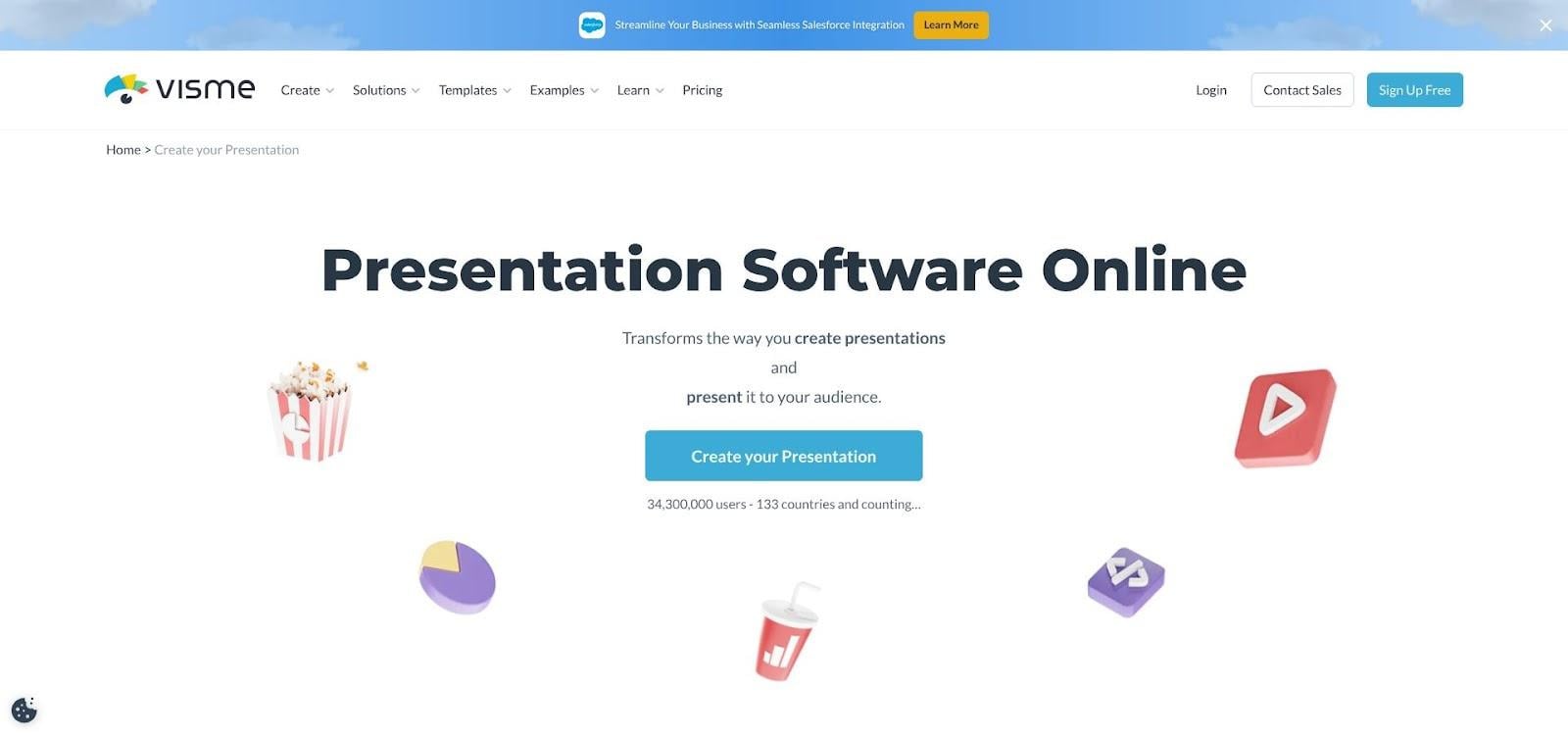
Visme interactive presentation dashboard with charts and animations
Visme strikes a middle ground. Non-designers get drag-and-drop ease, while large companies gain the brand governance they demand. Open a template and you see modern layouts; look closer and icons animate on click, charts pull live data, and slides branch into mini micro-sites. That interactivity turns a routine compliance deck into an experience employees explore instead of skim.
Governance runs quietly beneath the surface. Brand managers can lock disclaimer boxes, require an approval checkpoint before publication, and track every revision in an audit log. Legal teams spend fewer hours policing decks.
Sharing is flexible. Present live from the cloud, gate the deck behind a password, or export an offline HTML5 bundle that works in secure facilities without internet. A backup PDF takes one click.
Complexity is the trade-off. First-time users may feel they walked into a cockpit and face a learning curve before mastering interactive triggers or animated data widgets. Pricing sits at the premium end: the Business plan with brand controls and analytics costs US $29 per user each month when billed annually.
Organisations that publish a steady stream of training, quarterly reports, and client proposals—and that require sharp visuals plus strict compliance—find Visme a rare blend of creativity and control.
Prezi: zooming storytelling that captivates audiences
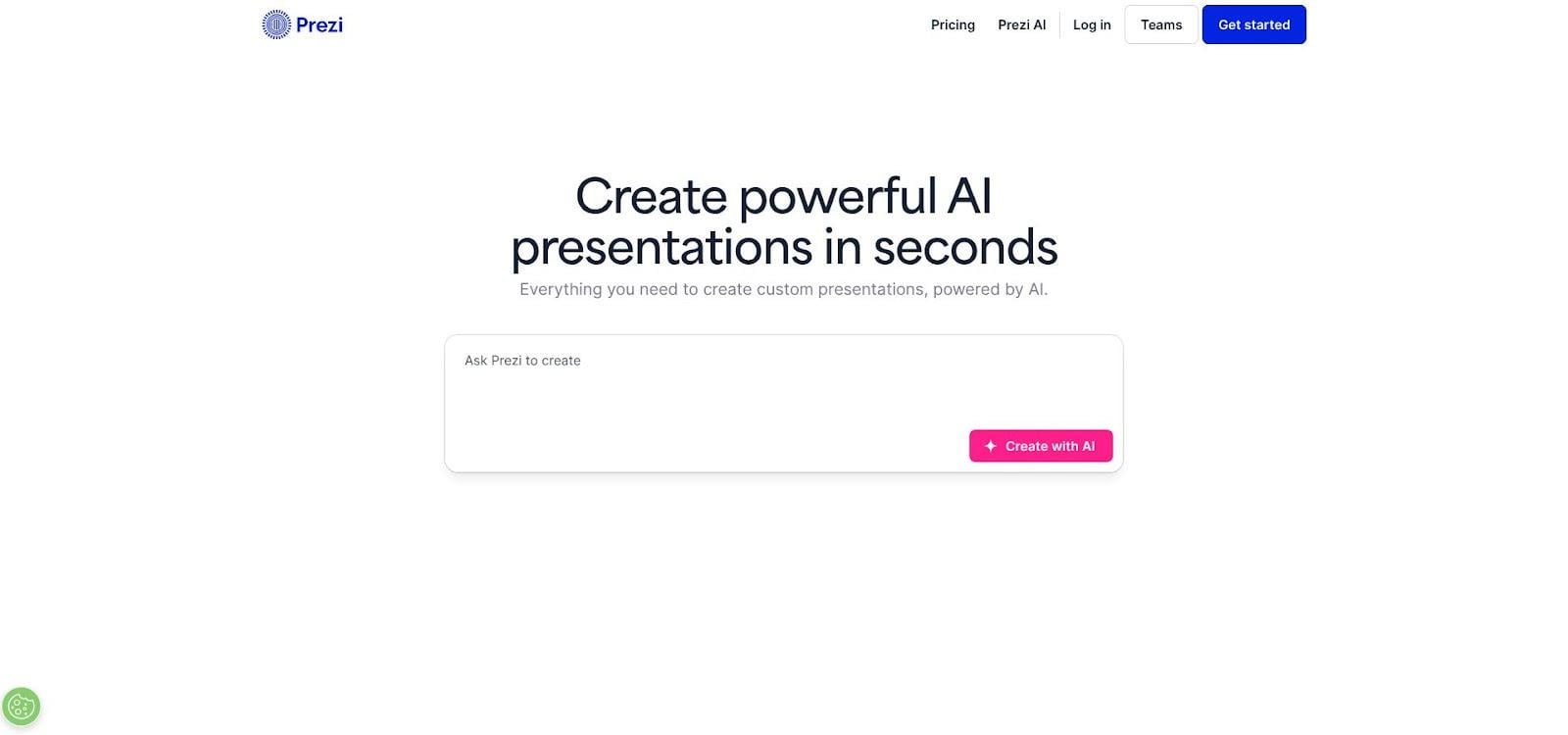
Prezi zooming canvas presentation interface for storytelling
Prezi abandons the slide-by-slide march. Place every idea on one canvas, then zoom into each point like a camera move. The result feels more like a guided tour than a lecture, which is why conference speakers and trainers still rely on Prezi to wake up a room.
That cinematic flow now has AI help. Upload a policy brief or type a theme, and Prezi’s assistant sketches a narrative across the canvas with headlines, sub-frames, and suggested visuals. Presenters who once feared the learning curve build a polished sequence in minutes, then adjust the zoom path by dragging frames.
Remote sessions gain extra energy. Prezi Video shows the presenter’s webcam beside the content, preserving eye contact on Zoom or Teams. When questions arise, pan out to the big picture, then dive back into details, turning Q&A into a visual conversation.
Limits remain. Data-heavy charts and dense legal text feel cramped on a zoom canvas. Some viewers experience motion fatigue if transitions move too quickly, so careful design matters. Collaboration is adequate but trails Google Slides; usually one designer builds while others review.
Pricing sits mid-range. The Premium plan with analytics and private links costs US $29 per user each month. That suits training or communications pros who present regularly, but casual users may prefer a lighter option.
Choose Prezi for moments that inspire: onboarding sessions, culture rollouts, or big-idea pitches. Used thoughtfully, its zooming story arc can turn a compliance talk into a TED-style experience.
Compare at a glance: which tool fits your team?
You just met six strong contenders, each with a standout skill. The table below lines up our seven business-critical criteria for a side-by-side view.
| Tool | Security & compliance | Integration | AI speed | Real-time collaboration | Brand control | Cost value | Ease of use |
| Plus AI | ✅ SOC 2, data stays in 365/Workspace | ✅ Inside PPT/Slides | ✅ Prompt-to-deck | ✅ Uses host co-editing | ✅ Locks to template | 🟡 Extra licence | ✅ Familiar UI |
| PowerPoint | ✅ Microsoft 365 stack | ✅ Deep 365 tie-ins | 🟡 Copilot add-on | 🟡 Co-author lag | 🟡 Needs strict templates | 🟡 365 + Copilot cost | 🟡 Feature heavy |
| Google Slides | ✅ Workspace encryption | ✅ Native to Drive | 🟡 Gemini rollout | ✅ Best-in-class | 🟡 Limited theme locks | ✅ No extra cost | ✅ Simple |
| Canva | 🟡 SOC 2 Enterprise | 🟡 PPT export | 🟡 Design-focused AI | ✅ Live comments | ✅ Brand Kit (paid) | ✅ Low Pro price | ✅ Intuitive |
| Visme | 🟡 SOC 2 compliant | 🟡 HTML5/PDF export | 🟡 Growing AI | 🟡 Sequential review | ✅ Locked templates | 🟡 Premium price | 🟡 Learning curve |
| Prezi | 🟡 Private links, desktop mode | 🟡 Imports PPT | ✅ AI story builder | 🟡 Basic review | 🟡 Manual style guides | ✅ Mid-tier plans | 🟡 Different mindset |
Conclusion
Key takeaways:
- Plus AI and Google Slides deliver the fastest draft-to-review cycles for collaborative teams.
- PowerPoint still owns advanced features and offline control, especially with Copilot active.
- Canva wins on visual punch per minute, while Visme layers brand governance for regulated industries.
- Prezi remains the storyteller—ideal for inspiration, less so for dense data.
Circle the two or three criteria your project cannot compromise, then choose the tool that posts green checks in those slots and avoids any red gaps.